Typeform vs Google Forms for Hiring: Which One Wins? (Hint: Neither)
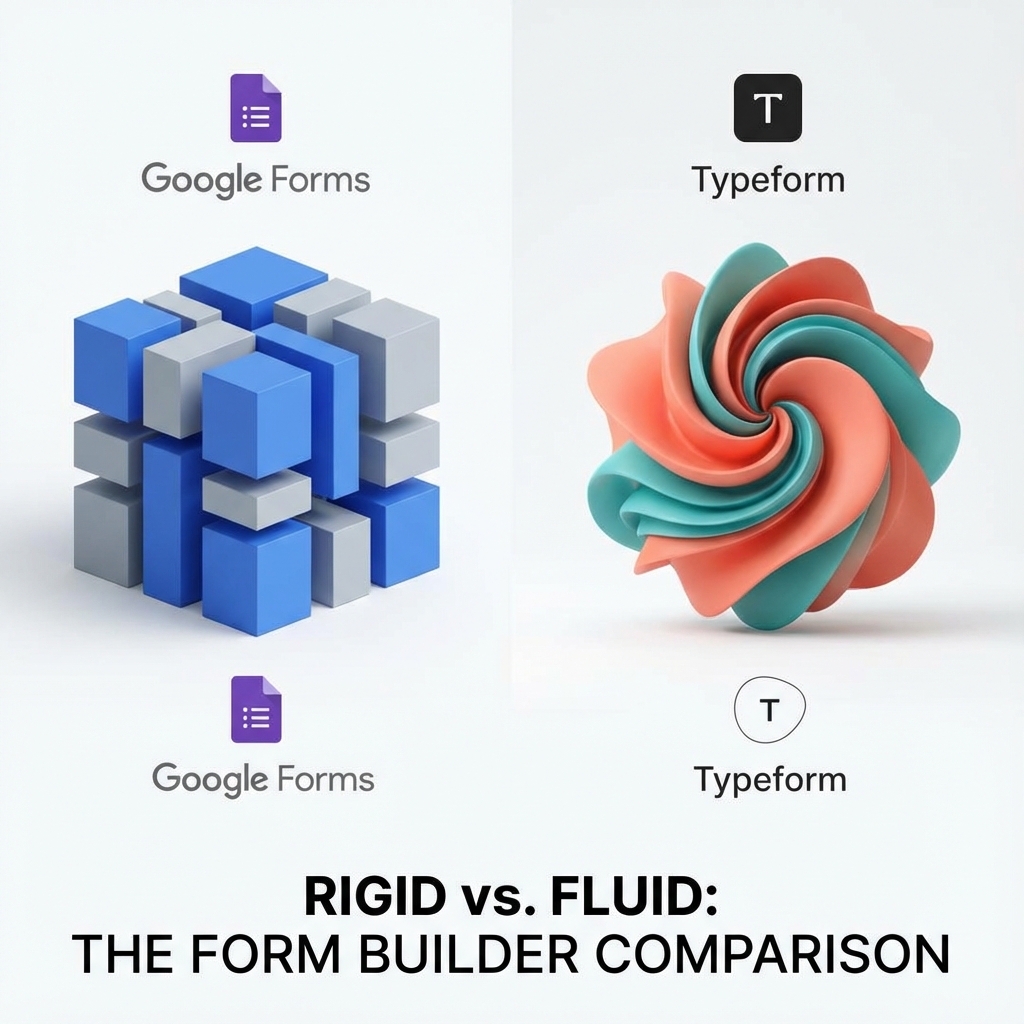
When companies upgrade from Google Forms, they usually land on Typeform. And why not? It's beautiful. It's conversational. It looks great on mobile.
But is it actually good for hiring?
Let's break down the battle of the form builders, and why you might be looking in the wrong category altogether.
Round 1: Design & Experience
Winner: Typeform
Google Forms is purely utilitarian. Typeform is an experience. "One question at a time" keeps candidates engaged. If you are hiring for a creative role, sending a Typeform looks infinitely better than a Google Form.
Round 2: Cost
Winner: Google Forms
Google Forms is 100% free. Typeform has a free plan, but it is highly restrictive (10 responses/month). To remove branding and get decent limits, you are looking at $50+/month. That is a steep price just to ask "Upload your Resume".
Round 3: The "Hiring" Features
Winner: None
Here is the catch. Both of these tools are Survey Builders. They are designed to collect data, not Manage Humans.
- Neither has a "Reject Candidate" button.
- Neither parses resumes.
- Neither lets you create a "Shortlist".
- Both dump your applicants into a spreadsheet/CSV.
The Third Option: A Dedicated Hiring Tool
If you are willing to pay for Typeform, or suffer through Google Forms, why not use a tool built for the job?
GigDrop takes the best of both worlds:
- Beauty of Typeform: Modern, clean, mobile-optimized interface.
- Utility of a Database: Built-in candidate management.
- Cost of Google Forms: Generous free tier.
UX Researcher
Conclusion
If you want a free survey, use Google Forms. If you want a premium survey, use Typeform. If you want to hire employees, use GigDrop.
Don't fit a square peg in a round hole.