How to Hire on Instagram in 2025 (The Visual Guide)
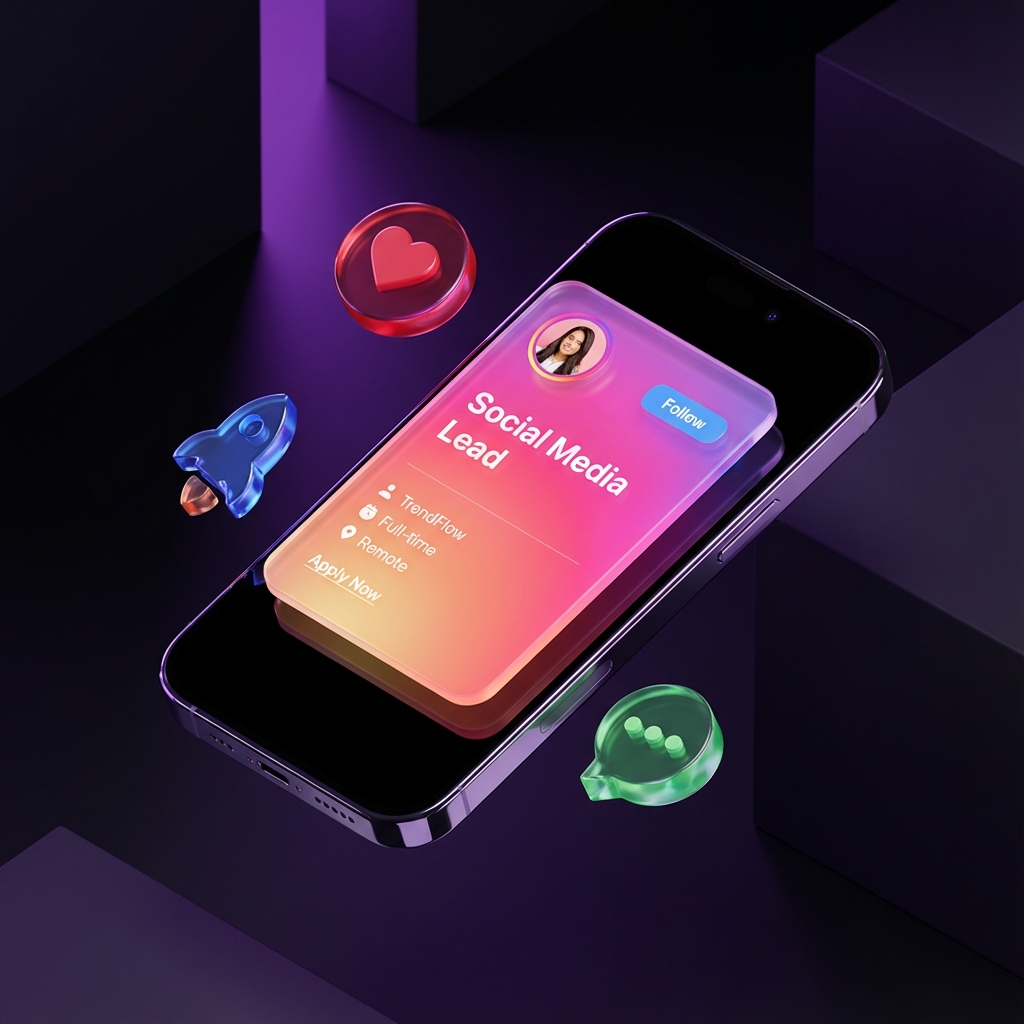
Instagram isn't just for influencers anymore. It's where your next Senior Designer, Marketing Lead, or Content Creator is scrolling right now.
But there's a problem: Instagram hates links.
If you post a job description in your caption, nobody can click it. If you put it in your Story, it's just a text blob.
The "Link in Bio" Trap
Most companies do this:
- Post a generic "We are Hiring" stock photo.
- Caption: "Link in bio to apply!"
- User goes to bio -> Linktree -> Finds the job -> Google Form -> Closes tab.
You lose 80% of candidates at step 3.
The Solution: Visual Job Cards
Instead of a generic image, your job post itself should be the ad.
Social Media Lead
An Instagram-style card that stops the scroll.
1. Use the "Glass" Aesthetic
Instagram users love high-fidelity visuals. Our Glass template (shown above) mimics the premium iOS aesthetic that feels native to the platform.
2. Put the Salary on the Cover
Don't make them click to find out it's unpaid. Transparency builds trust instantly.
3. Direct DM Applications
Instead of "Link in Bio", try this: "Reply to this Story to Apply".
When they reply, send them your GigDrop link. Because GigDrop cards unfurl beautifully in DMs, the candidate gets a professional application experience right inside the chat.
Ready to hire on the Gram?
Don't post another boring text story. Create a card that matches your brand's vibe.